> ## Documentation Index
> Fetch the complete documentation index at: https://docs.nebuly.com/llms.txt
> Use this file to discover all available pages before exploring further.
# Search
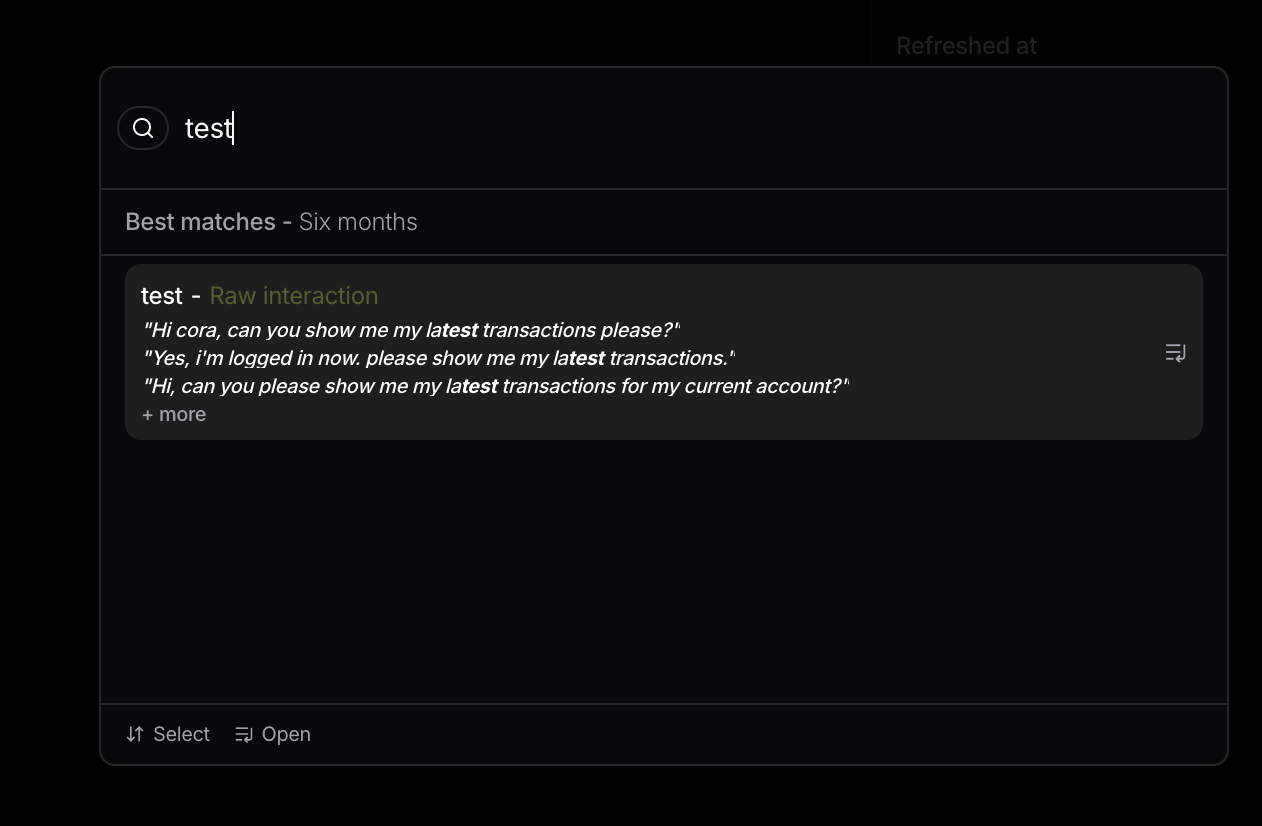
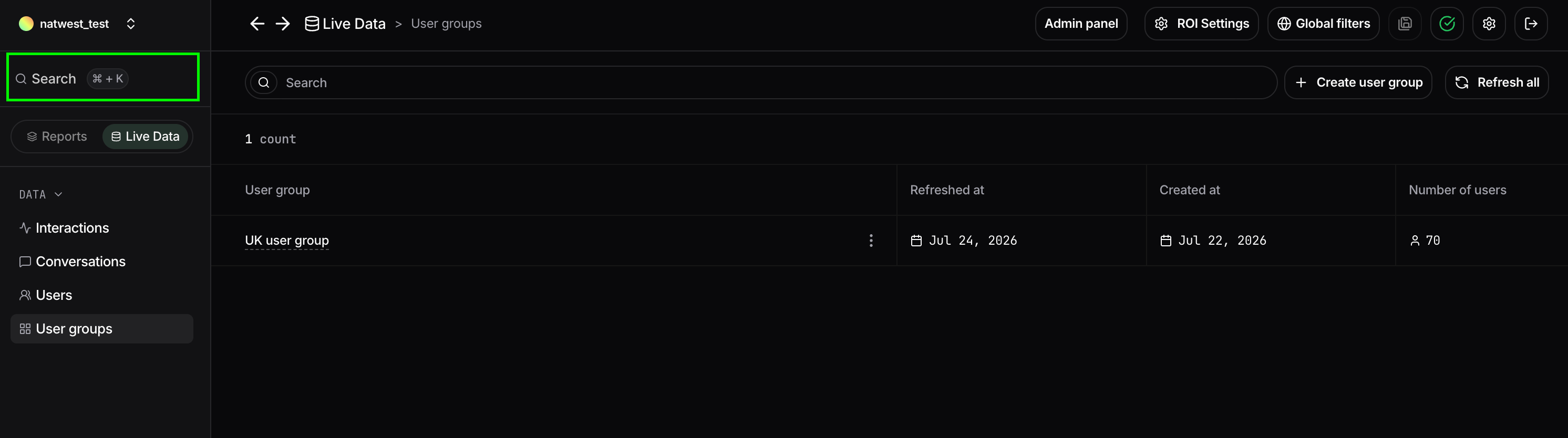
The **Global Search** lets you quickly find interactions by searching for words or phrases that appear in user messages or AI responses. Search results are automatically scoped to the **current project and report time range**, allowing you to easily locate relevant conversations within the data you're analyzing.
Simply start typing in the search bar to see matching interactions.
 ## Search interactions
Results are ranked by relevance and display a preview of the matching interaction, including the conversation snippet where the searched text appears.
Selecting a result opens the **Interaction Details** page, where you can inspect the complete interaction, including the full conversation, extracted insights, metadata, and any associated tags.
Search is useful for investigating specific user requests, finding examples of particular behaviors, or reviewing conversations that mention a product, feature, error, or any other keyword.
## Search interactions
Results are ranked by relevance and display a preview of the matching interaction, including the conversation snippet where the searched text appears.
Selecting a result opens the **Interaction Details** page, where you can inspect the complete interaction, including the full conversation, extracted insights, metadata, and any associated tags.
Search is useful for investigating specific user requests, finding examples of particular behaviors, or reviewing conversations that mention a product, feature, error, or any other keyword.