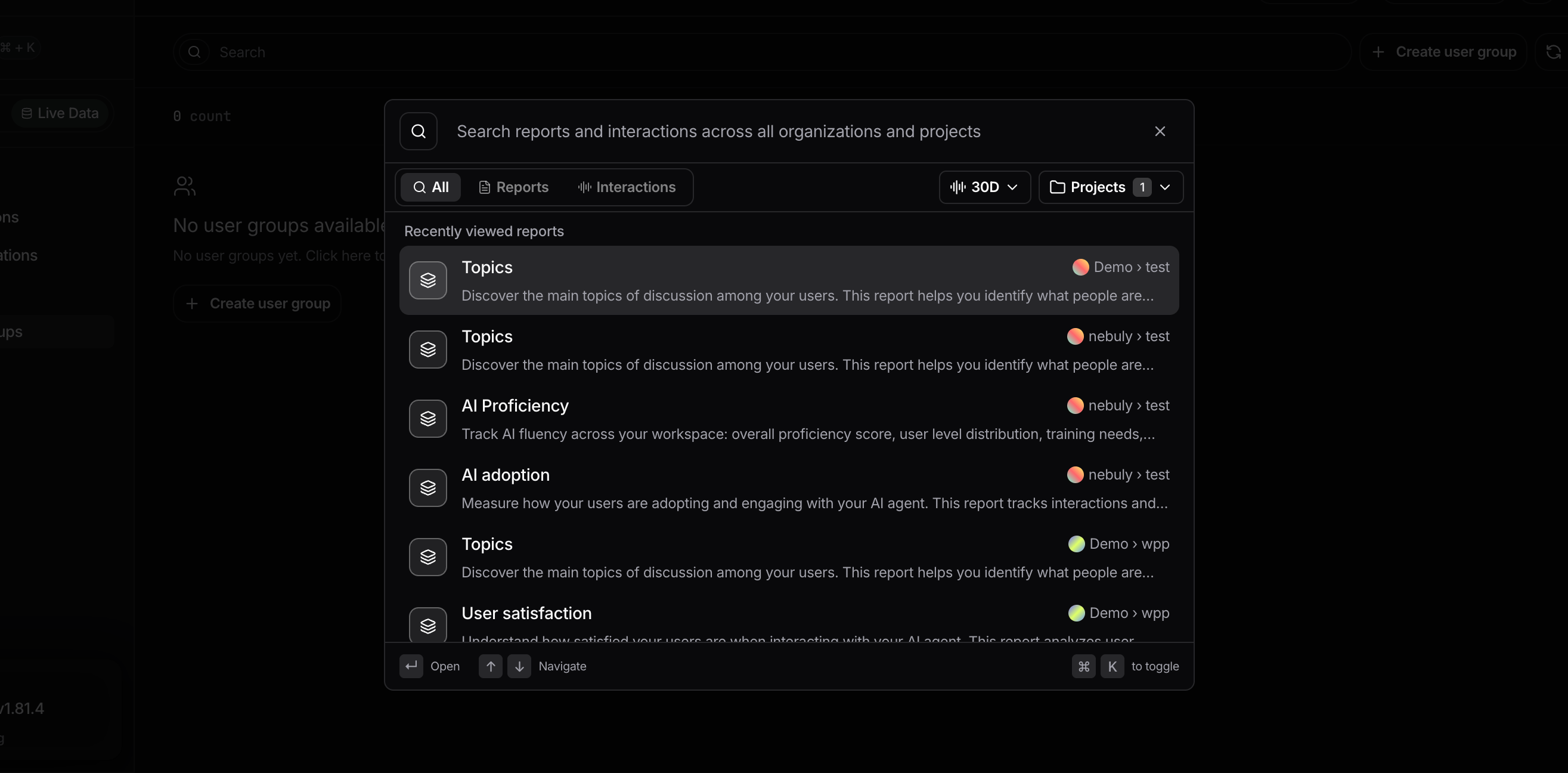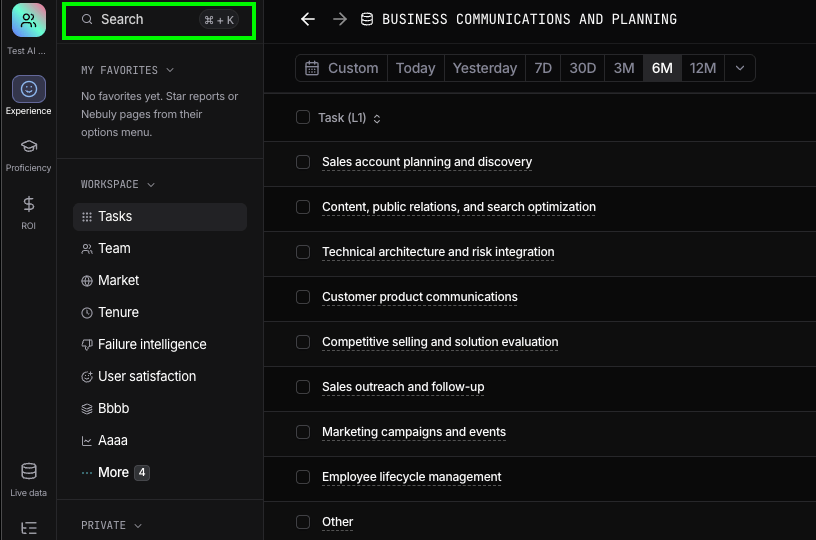
- All: shows matching reports and interactions together.
- Reports: shows only matching reports.
- Interactions: shows only matching interactions.
Search reports
Search for reports by name across the projects you selected. If you open a report that belongs to a different project, Nebuly automatically switches you to that project and opens the report.Search interactions
Search for words or phrases that appear in user messages or AI responses. Interaction search is limited to a selected time range, such as the last 30 days. Use the time-range selector to control how far back Nebuly should search. Results are ranked by relevance and show a preview of the matching interaction, including the conversation snippet where the searched text appears. Select a result to open Interaction Details, where you can review the full conversation, extracted insights, metadata, and associated tags. Interaction search is useful when you want to find specific requests, investigate a behavior, or locate conversations mentioning a product, feature, error, or keyword.