

Share links are for anonymous, external access. If you want to send a logged-in Nebuly user directly to an interaction or conversation, use a
/go deep link instead. See Deep-link to an interaction or conversation.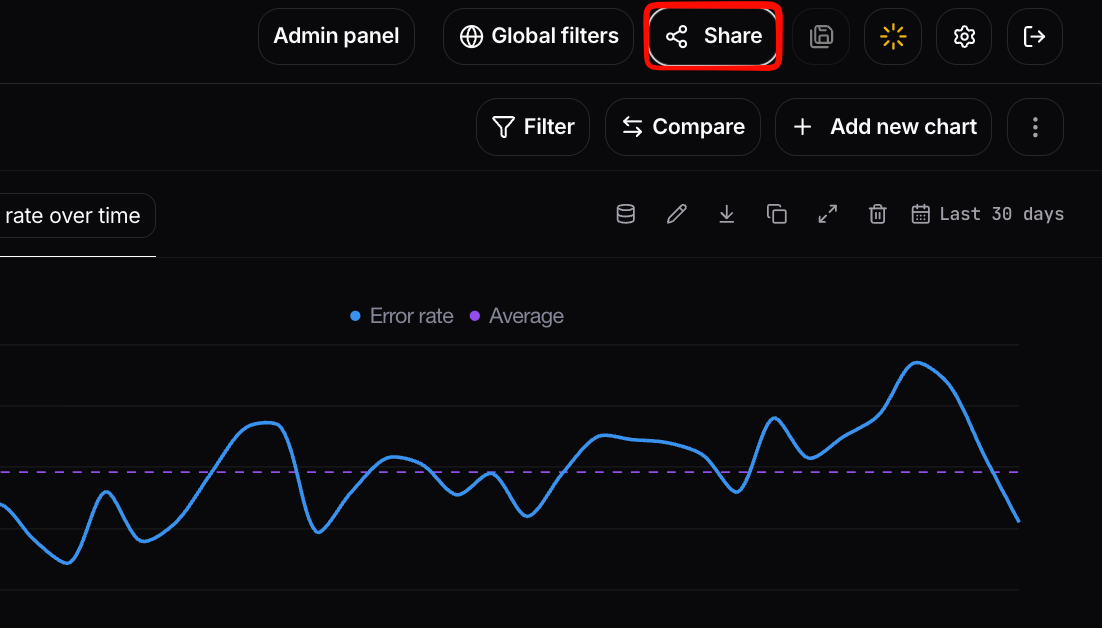
Sharing a single page from the Share button
Configuring a share link
When you share a page externally you can configure the same controls available for reports:- Read-only access: the recipient can view the page but cannot make any changes.
- Time-limited access: set an expiration on the link so it stops working after a chosen date.
- Scope enforcement: the link only ever exposes the page you shared. Project-level filters and permissions are enforced, so data outside that scope is never revealed to the recipient.
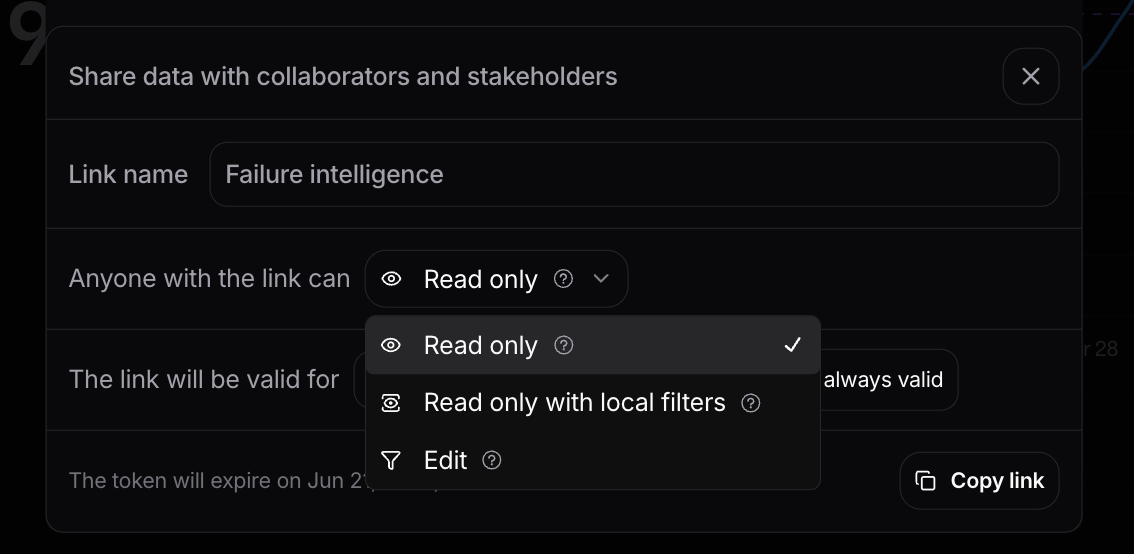
Configuring the share link
Exporting data
For sharing the underlying data rather than a live page, Live Data tables can be exported to CSV. See Navigating Nebuly → Table views for how to add columns and export, and the Nebuly MCP Server for custom analytics and research done by your AI agent of choice.Deep Linking
Use a deep link to send authenticated Nebuly users directly to a specific interaction or conversation in Nebuly.This feature is available only in the new frontend version. If you are using Nebuly SaaS, use
v2.platform.eu.nebuly.com. If you are self-hosted, you need to use your own domain pointing to the new frontend version.Preferred approach: /go URLs
For authenticated users, use a /go URL. This is the default recommendation when you want to link colleagues who already have Nebuly access to a specific interaction or conversation.
/go link, Nebuly resolves it via the platform deeplink API and redirects to the right interaction or conversation page. The user must be logged in to Nebuly.
/go links are also a good fit for spreadsheet-based workflows. For example, you can add a column with Nebuly links next to interaction or conversation IDs in a spreadsheet application such as Microsoft Excel, so reviewers can open the corresponding Nebuly page directly.
To share a page with someone who does not have a Nebuly account, use an anonymous Share link instead. See Sharing pages in Nebuly.
Alternative: External Deep Link API
When you need to generate deep links programmatically (for example, from a backend service with an API key), call the External Deep Link API. Nebuly resolves all the other parameters for you and returns the full/live-activity URL.
Get Interaction Deep Link
Get the deep link URL for an interaction.
Get Conversation Deep Link
Get the deep link URL for a conversation.
Fallback: Construct the URL manually
If you already have all the required IDs and cannot use a/go link or the API, you can build the /live-activity URL yourself.
A deep link looks like this:
URL structure
interactionId with conversationId and set liveActivityPageTab=conversations.